Exclusive to Android
Mobile-only features made for on-the-go use and multitasking
- Auto clickerFloat a control panel over other apps and run taps, swipes, image recognition and OCR-based branching in sequence (with an easy-to-follow first-time permission guide)
- Silent camera, OCR & QR readerTake photos and videos without a shutter sound, even in libraries and classrooms, then transcribe text with OCR or read QR codes on the spot
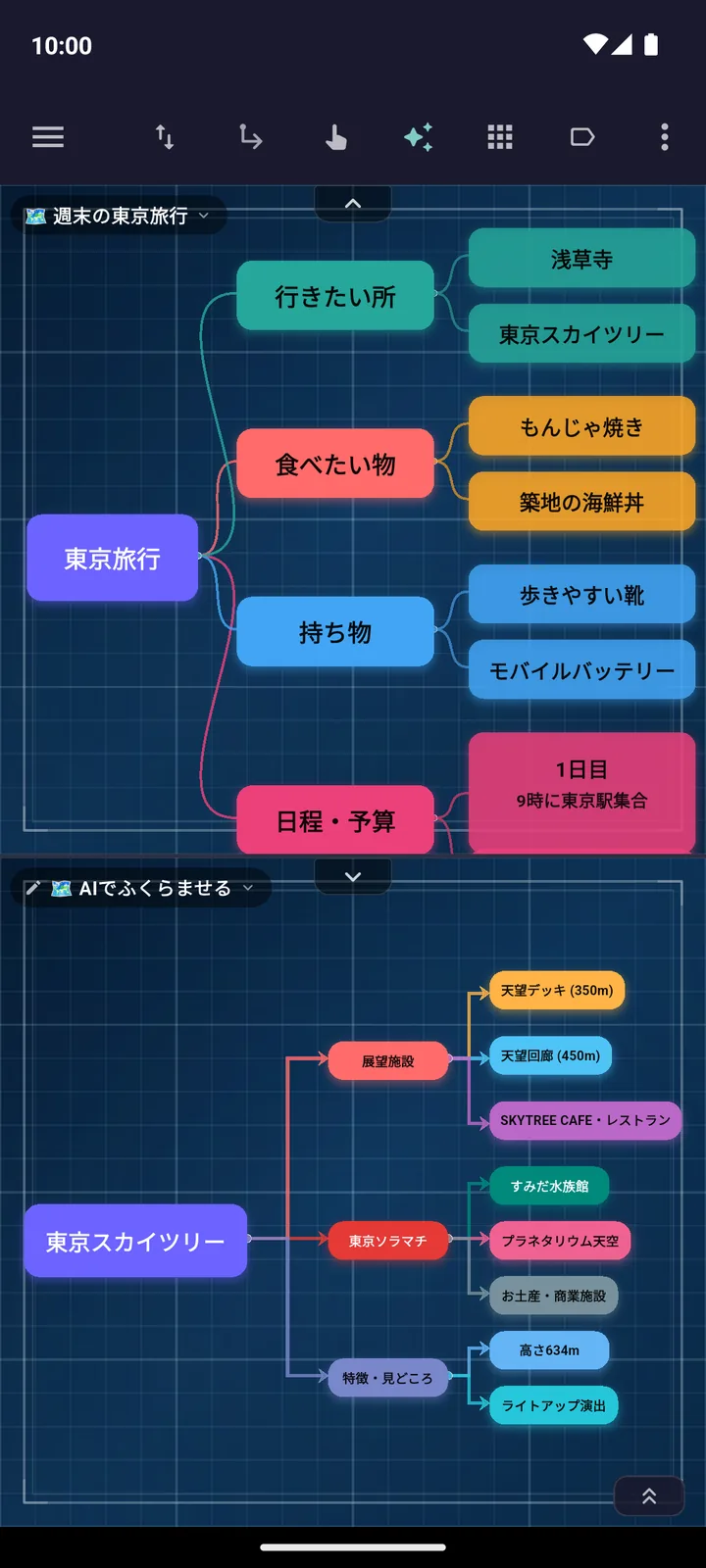
- Top/bottom & side-by-side split screen, 120Hz/144Hz renderingTwo-pane split and floating memos, smooth rendering on high-refresh-rate devices, and Focus Lock
Mind maps & 6 page types
The same 6 page types as on PC, right at your fingertips, plus an interactive tutorial
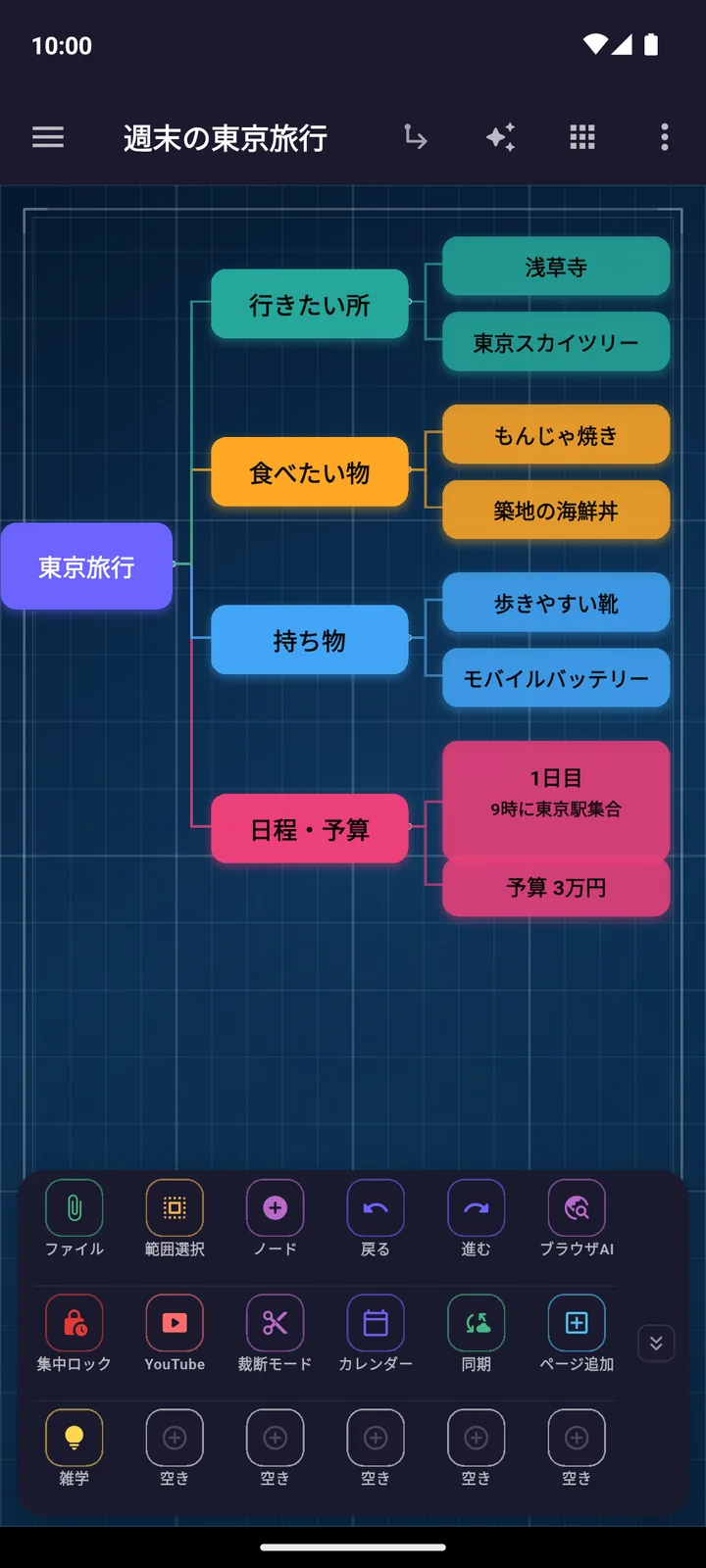
- Mind Map & GalleryAn infinite map that holds images, videos, PDFs, tables and formulas, plus a 2D gallery that tiles your materials
- Free Note & DocumentA handwriting canvas for writing freely with a stylus or finger, plus document pages with an outline table of contents
- Markdown & Video Editor, AI StudioMarkdown with Mermaid, LaTeX and diff comparison, plus timeline video editing and AI slide generation
AI (the big three AIs, prepaid)
No API key needed — use the big three AIs right away, even on the Free plan
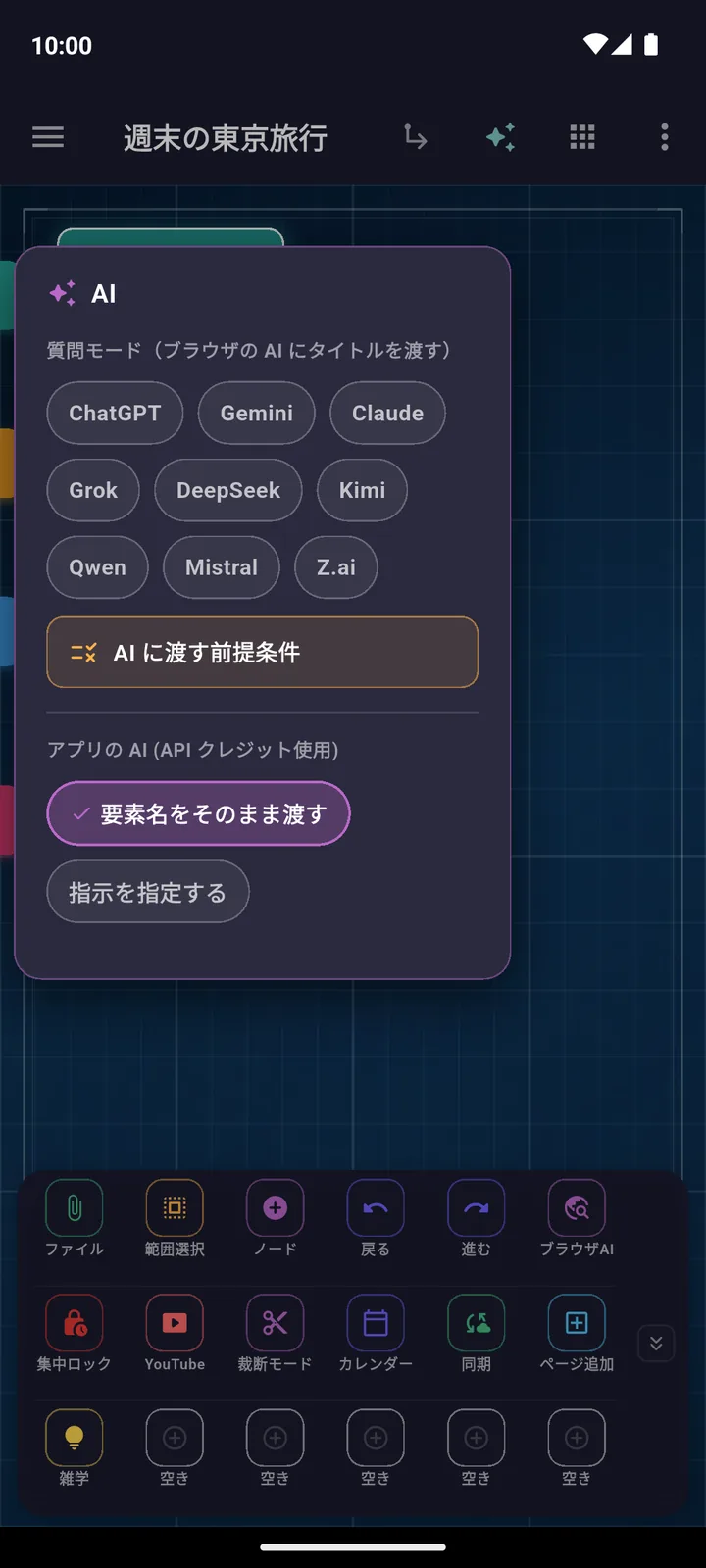
- Prepaid AI, no API key neededTop up $10 and pay only for what you use; ChatGPT / Gemini / Claude work with no API key
- Auto map generation, flashcards, AI conversation practiceGenerate maps, question banks and flashcards from a topic or a PDF, plus voice-based interview and language role-play
Video, PDF, Office, research & cloud sync
Watching, direct editing, exam prep and sync with your PC — all on your phone
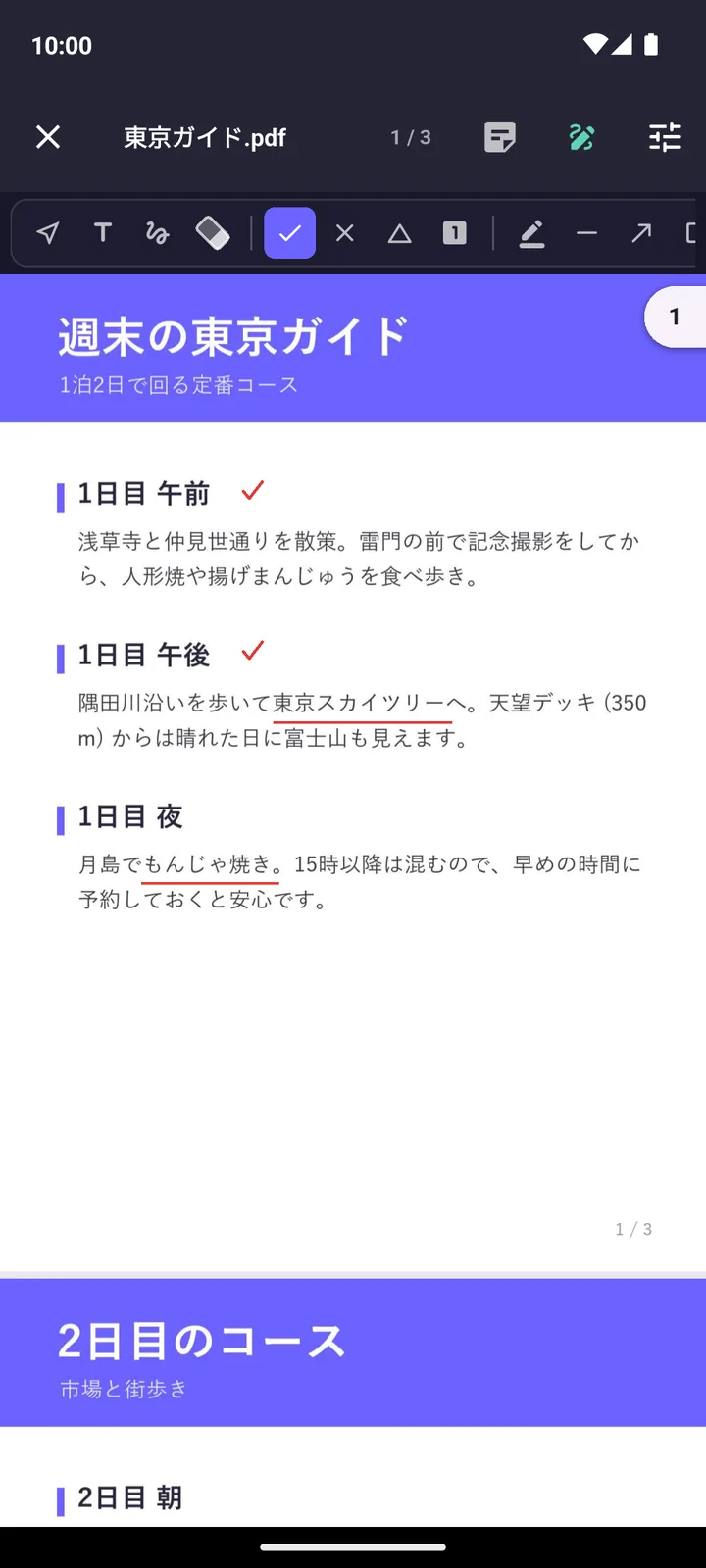
- Ad-free YouTube & direct PDF/Office editingYouTube viewing with ads hidden, pen strokes burned directly into PDFs, and direct editing of Word / Excel / PowerPoint files
- Search, Trends, Trivia, Benchmarks & prep for 317 examsDual-pane Google search, trends in 9 categories, trivia, CPU/GPU/phone/LLM comparisons, product search across 4 major stores, AI exam prep
- Autosave, Recovery Center & cloud syncInstant autosave and a Recovery Center protect your data, with conflict-free auto-merge sync with Windows (Max)