Obsessively built to be easy to use
The Ultimate NoteBook
— HisatorNotebook for Windows & Android
Mind maps, notes, PDF, Office, video and AI — all in one
An all-in-one workspace where intuitive controls let your ideas flow faster
Windows 10 / 11 (64-bit) · Android 8.0 or later · 30 languages


Intuitive from the first click
Move freely between 6 page types
Enter adds a sibling, Tab a child node, Space starts editing
Grow your tree at the speed of thought and switch freely between 6 page types
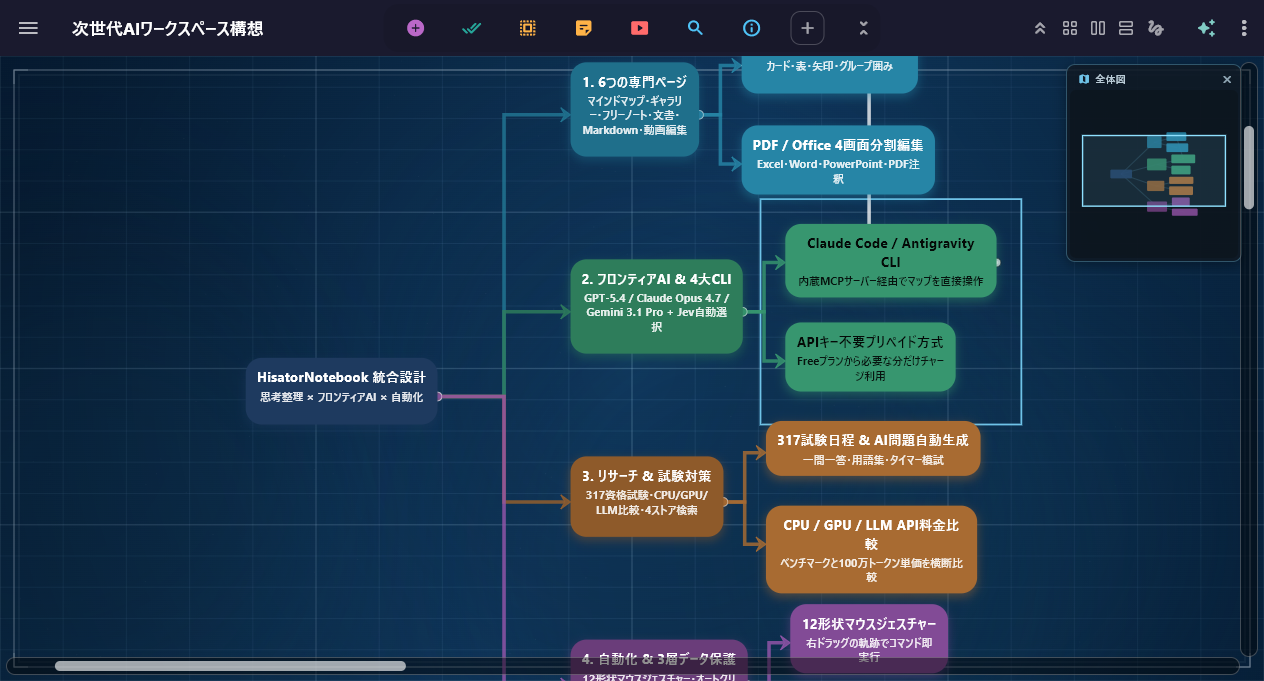
See the big picture at a glance with hierarchical nodes and an overview minimap
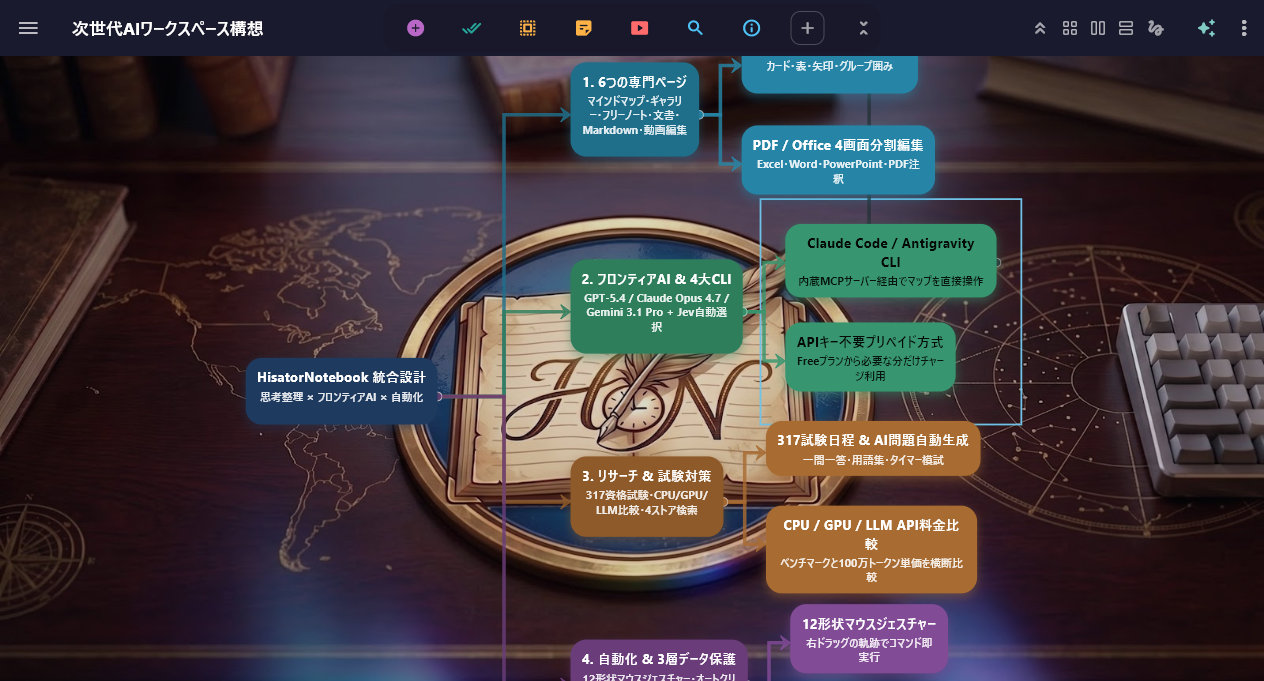
Structure ideas beautifully with auto layout and group frames
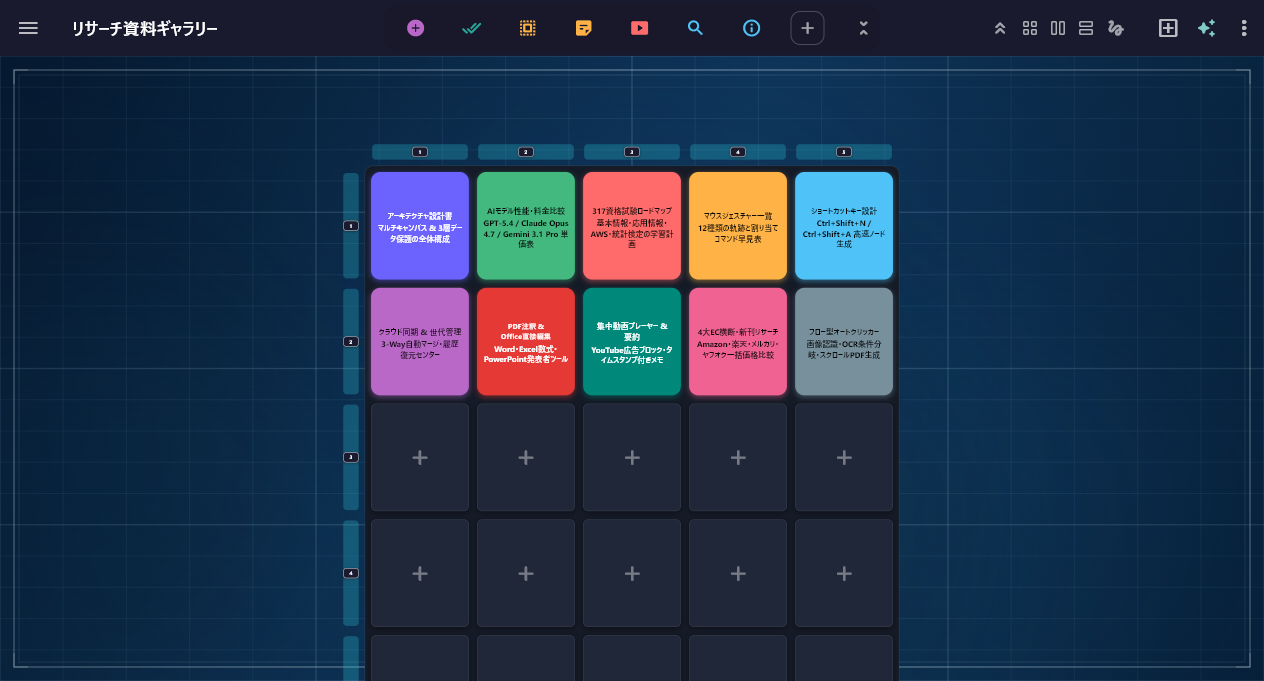
Arrange documents, images and videos on a 2D grid and manage them visually
Expand seamlessly from a map to a gallery and a 4-pane split
Instant access to the big three AIs
Plus the big three AI CLIs, built right in
Use ChatGPT, Gemini and Claude right away — no API key needed
Launch Claude Code / Codex / Antigravity CLI directly, too

Switch in one click between the built-in AI (API) and the big three AI CLIs on your own subscriptions
Research, compare, learn
An information hub that does it all without leaving the app

Compare CPU, GPU, phone and LLM performance & pricing in one place
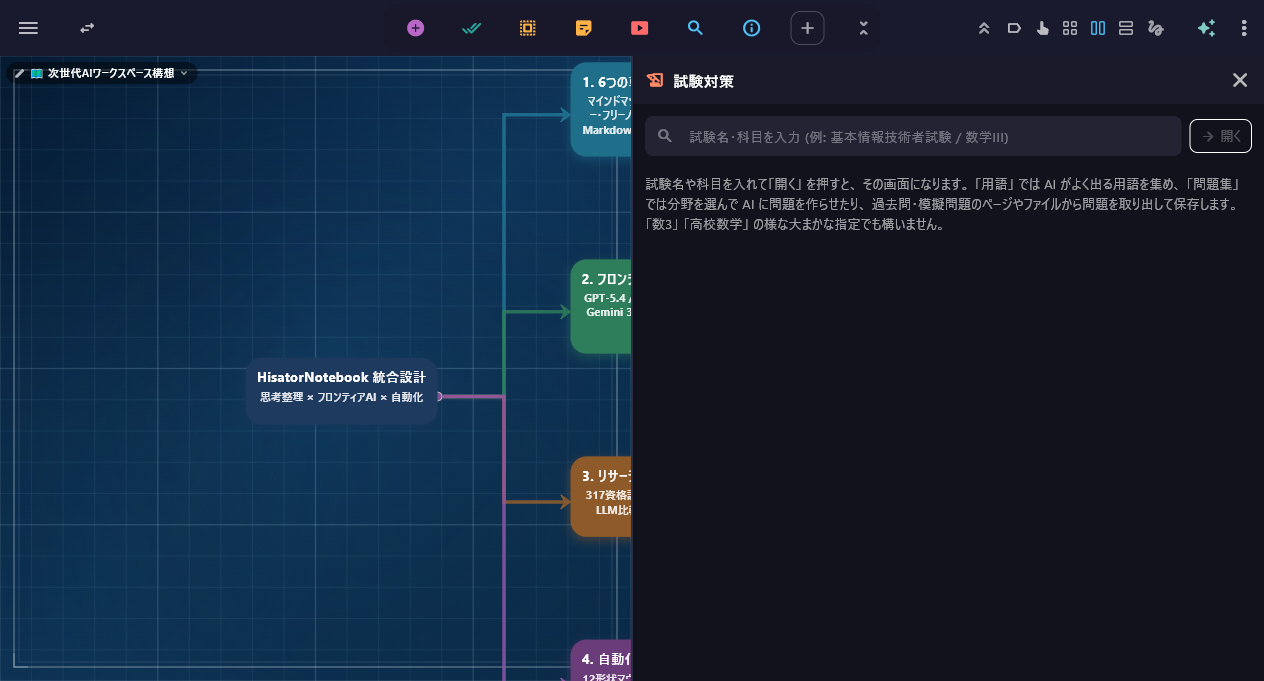
Schedules for 317 certification exams & the AI “Exam prep” panel
One continuous flow from a 4-pane split to research and exam prep
Write directly on PDFs
Edit Word, Excel and PPT directly, too
Save pen annotations to PDFs and edit Office and Markdown files — no other software needed
Turn long documents and PDFs straight into structured mind maps
No more getting sidetracked
Ad-free video learning and media playback
Focus on YouTube playlists and channels with ads hidden
Everything from timeline video editing to gallery management on one screen
One right-click stroke, instant action
Split screens and automate your work
Mouse gestures in 12 shapes — just hold right-click and draw
Flexible 2-pane and 4-pane split views, plus an auto clicker that chains cards together
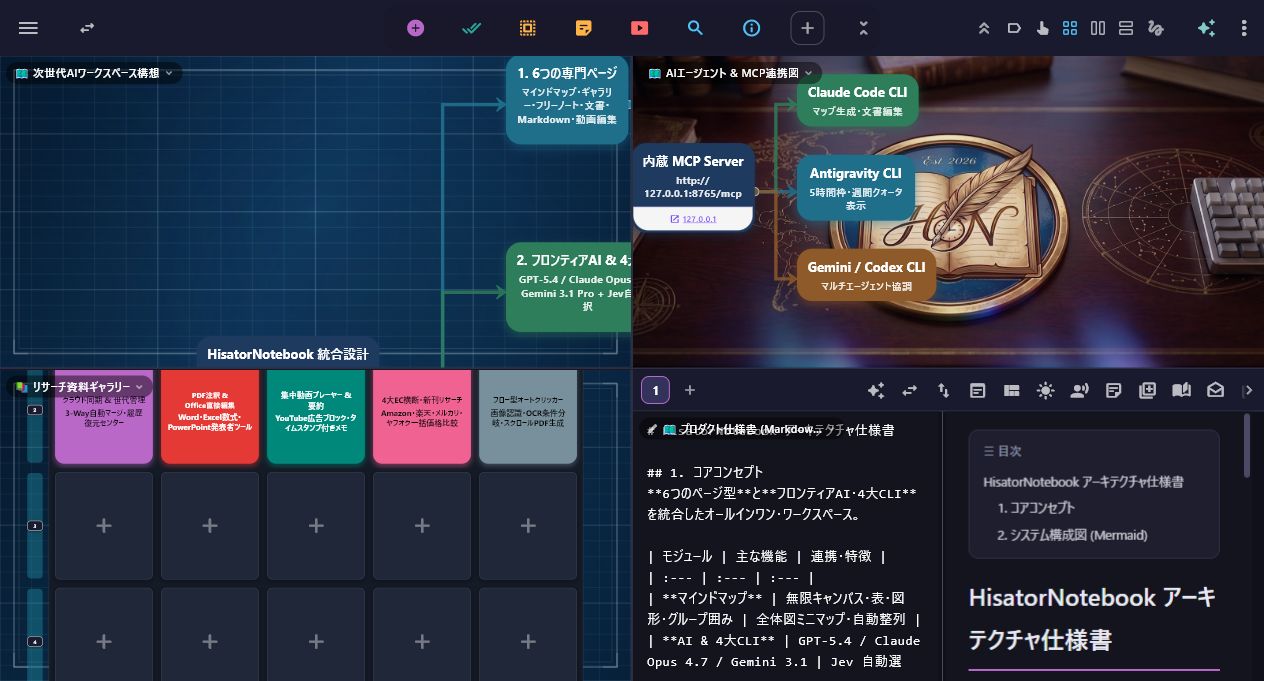
Work on 4 specialized pages side by side in one window (drag to swap, pop out into mini windows)
Three plans
The 6 page types, PDF/Office editing, research tools and AI (prepaid) are yours free forever, starting with the Free plan (¥0)
Free
- Create unlimited pages (the first 2 can be opened; reorder freely)
- 6 page types, direct PDF writing, Office file editing
- Search, Trends, Trivia, Benchmarks, prep for 317 exams, product search
- Mouse gestures, ad-free YouTube, Silent camera
- Prepaid AI & the big three AI CLIs, cloud sync
Pro
★ Annual 20% OFF applied- No limit on how many pages you can open (unlimited)
- Unlimited 2-pane/4-pane split and Focus Lock
- Web automation, auto-scroll capture to right-bound PDF
- Multi-monitor mouse warp, always kept on (Windows)
- Local-first storage, prepaid AI & the big three CLIs
Max
★ Annual 20% OFF applied- Everything in Pro
- Cloud sync (auto-merge, 25 GB upload / 100 GB download per month)
- Real-time co-editing via invite code
- Public web links for Markdown pages
- AI map generation from PDF / Office documents