Other Works — Browser Extensions
— Lightweight, zero-telemetry browser extensions for Google Chrome, Microsoft Edge, and Mozilla Firefox
— 01 / Mouse Gestures – Tab Control

Mouse Gestures – Tab Control
Mouse Gestures – Tab Control
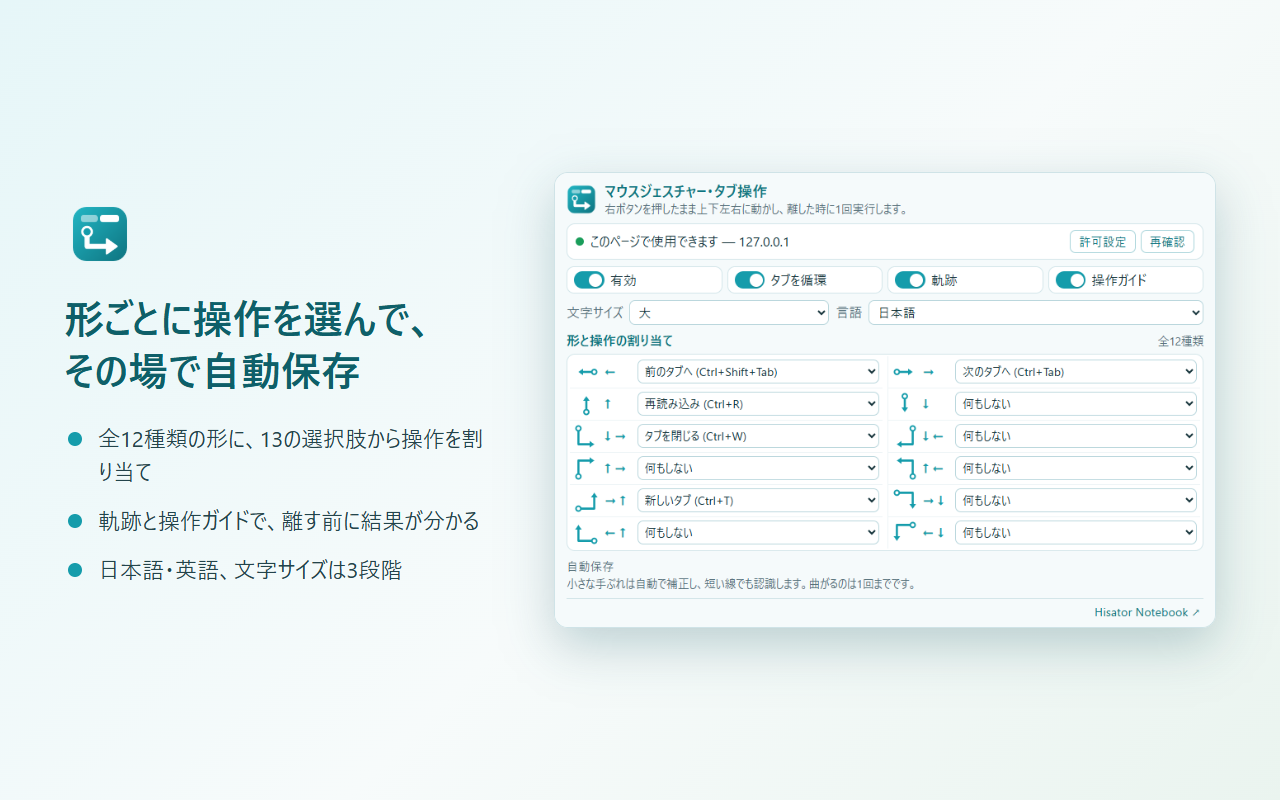
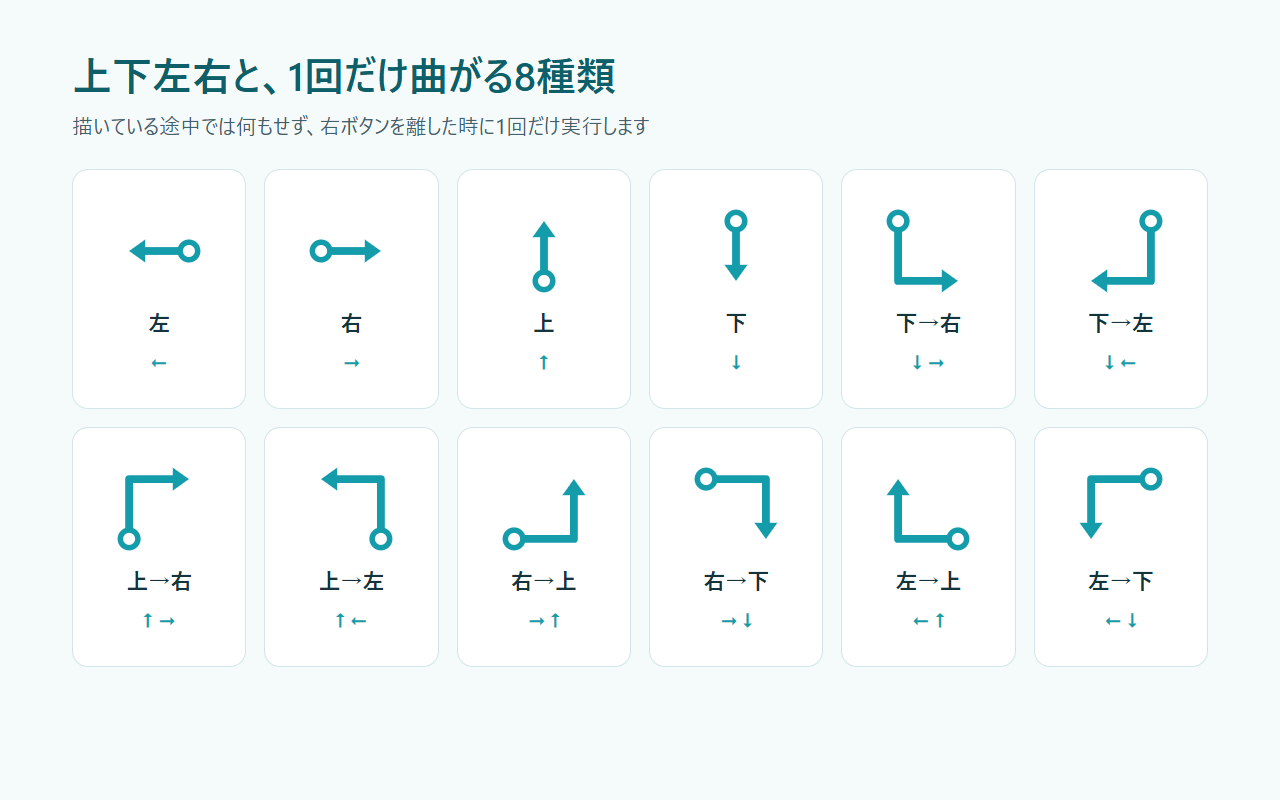
Hold the right mouse button, draw up, down, left, or right, and release to quickly switch, open, close, or reopen tabs, navigate back/forward, reload, or scroll.
- 12 gesture shapes × 13 actions: Assign your favorite actions to 4 straight directions and 8 single-turn shapes, saved automatically on the spot
- Live trail & action guide: See the cyan trail and target action name while drawing so you know the result before releasing (press Esc to cancel)
- Zero external requests & lightweight: No browsing history collection or external network calls; settings are stored only inside your browser
Add from your browser store (Free)
— 02 / Tempo – Video Playback Speed

Tempo – Video Playback Speed
Tempo – Video Playback Speed
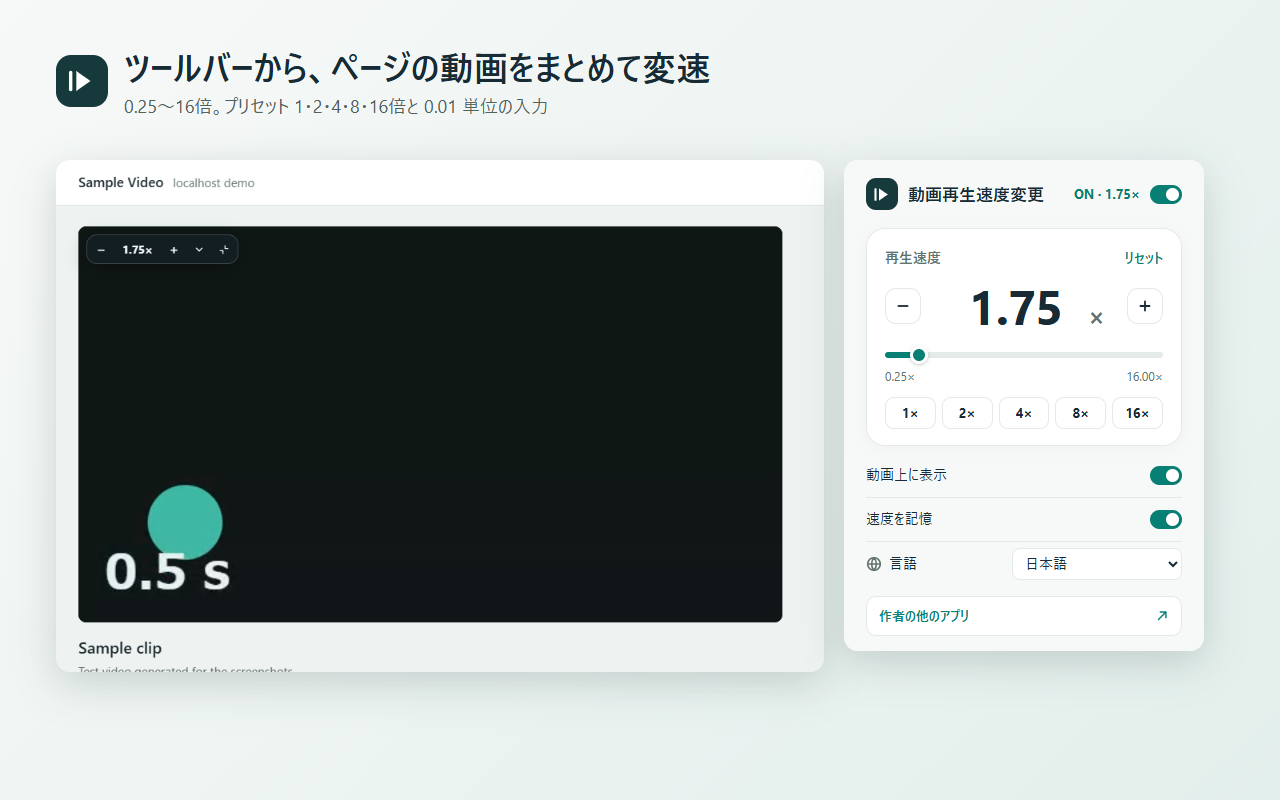
Freely control HTML5 video playback speed on any web page from 0.25× up to 16× in 0.01× steps. Change all videos on a tab from the toolbar or control individual videos with the compact on-video panel.
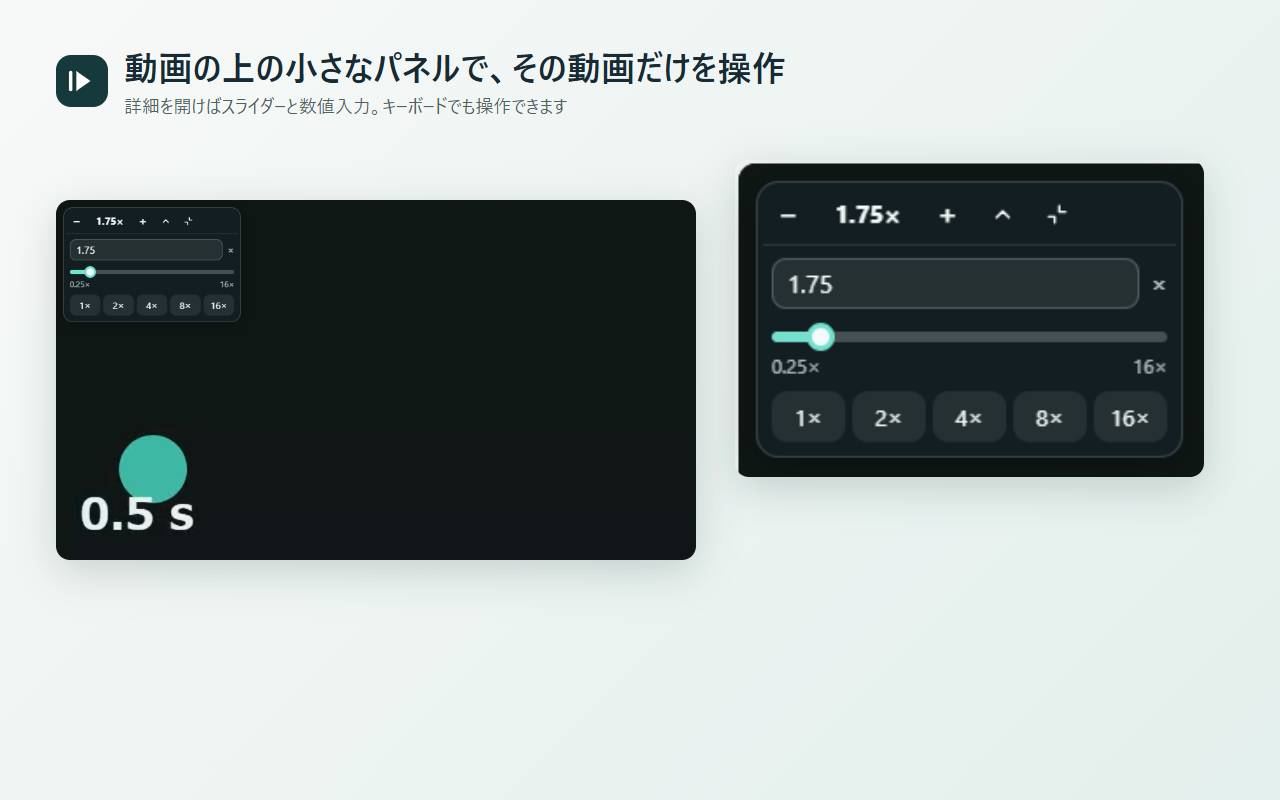
- 0.25× to 16× in 0.01× steps: One-tap 1×, 2×, 4×, 8×, and 16× presets plus fine adjustment via slider or number input
- On-video mini panel & keyboard shortcuts: Unobtrusive collapsible overlay lets you control individual videos on the page
- Speed memory & 12 languages: Remembers your chosen speed across tabs and sites, with a one-click OFF toggle to return to 1×
Add from your browser store (Free)
— 03 / Side Memo

Side Memo
Side Memo
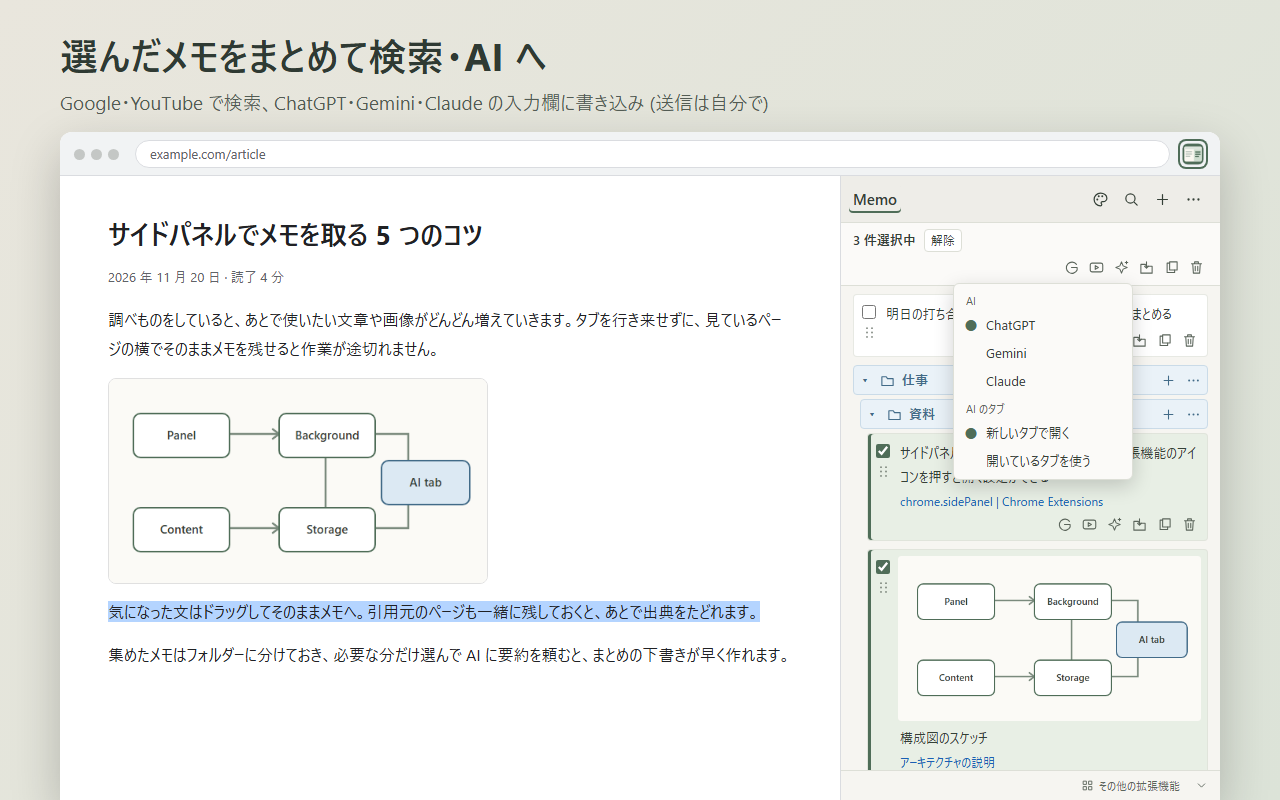
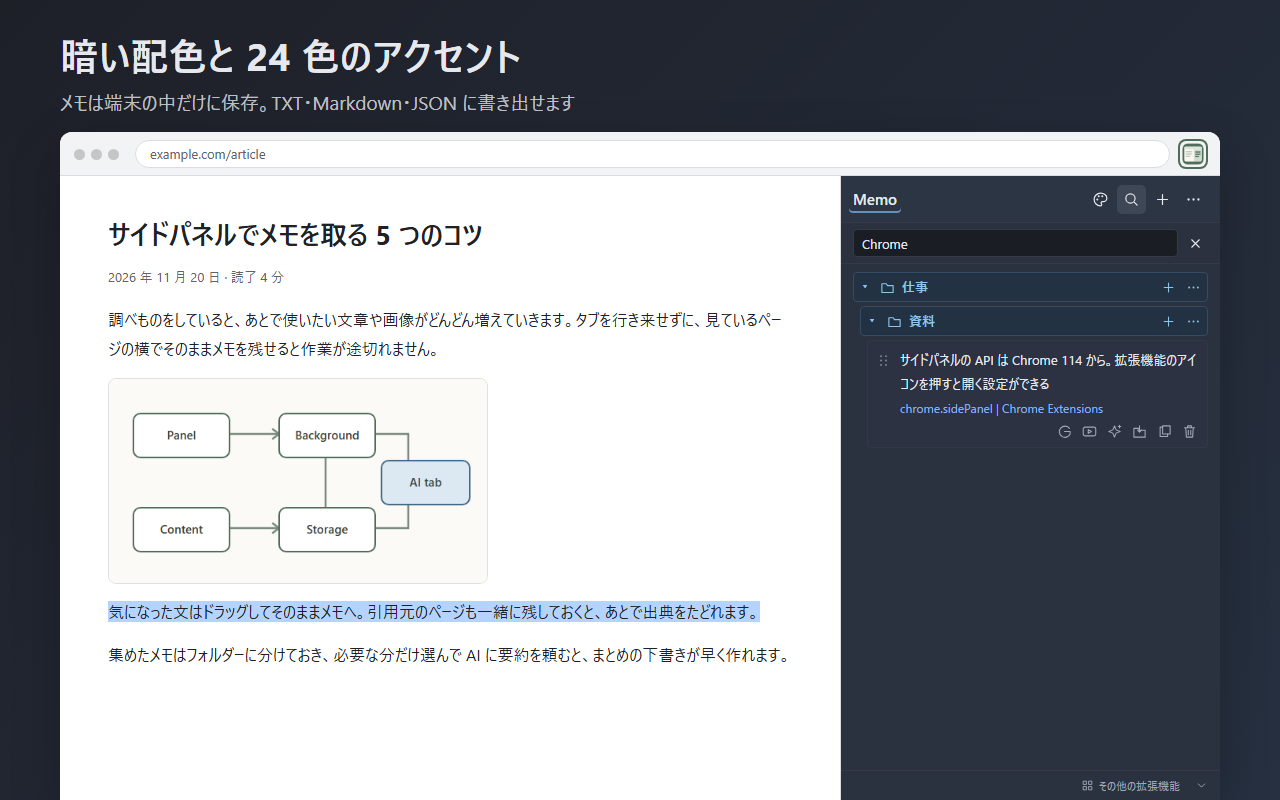
A browser extension for taking notes in the side panel (the sidebar in Firefox) while browsing web pages. Organize collected notes into folders, then select only what you need for search or AI prompts.
- Drag & right-click capture with source: Save text, links, and images from pages right into the panel along with the source page URL and title
- Up to 16 folder levels & bulk actions: Reorder and move notes by dragging, run bulk Google/YouTube searches, and export as TXT, Markdown, or JSON
- Write directly into ChatGPT, Gemini, and Claude: Insert selected notes and shared AI instructions without an API key—you review and press send yourself
Add from your browser store (Free)